An idea.
A finished film.
Your AI video creation agent.Generate, edit, animate and add sound in one place. Keep every detail in your hands.
Your brief.
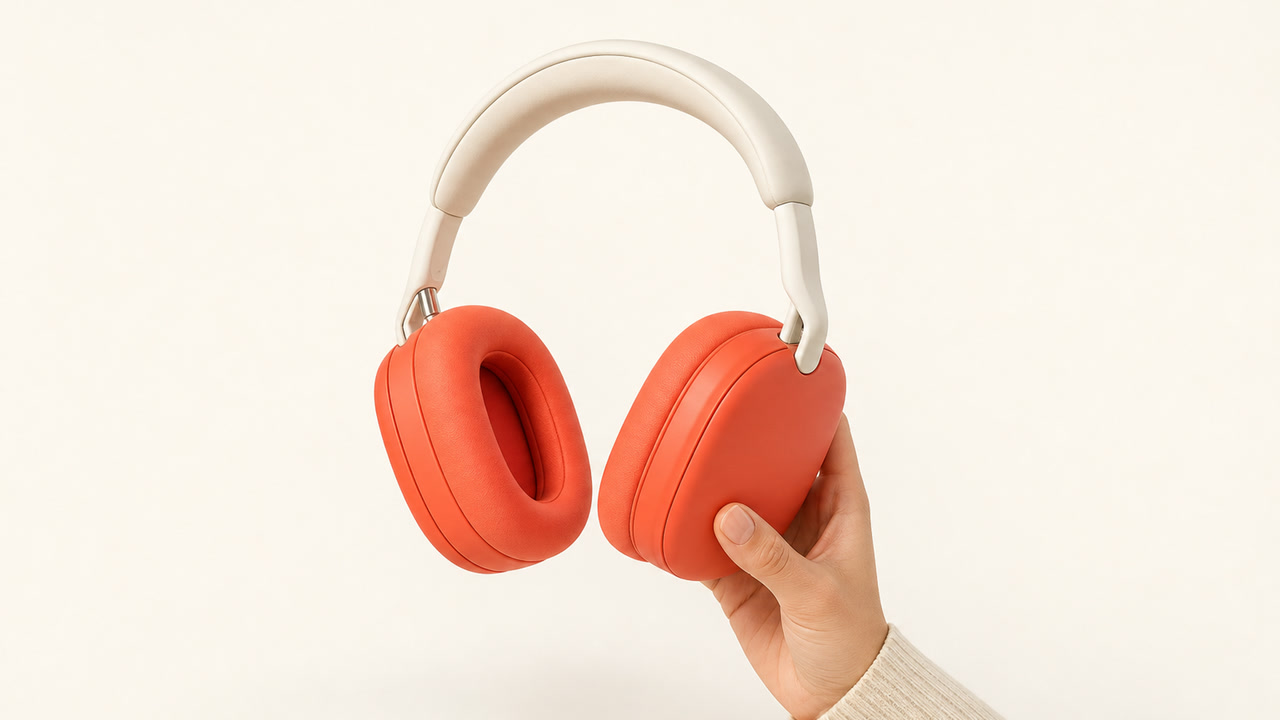
Create a 30-second headphone ad. Natural city moments, bold motion, and a beat you can feel. End with “Find your own rhythm.”
Anycut — I’ll build the shots, motion, and edit.
First, the scene.
Then, the rhythm.
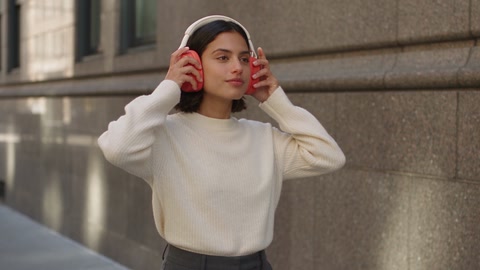
The agent plans two connected tasks: create a city wearing shot from the product reference, and build its motion graphics.
Generate the shot.
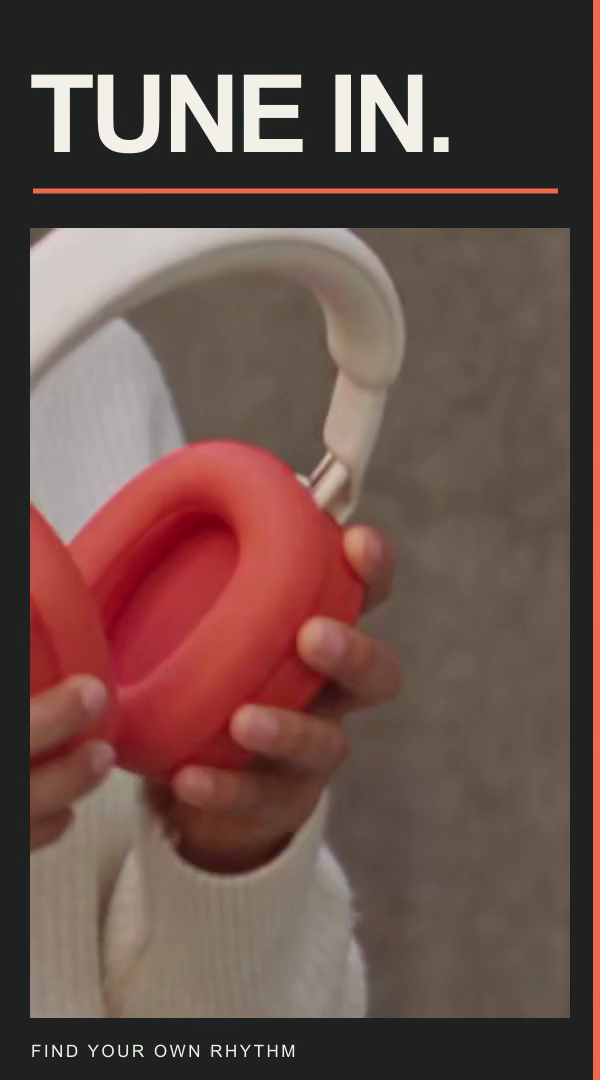
Motion graphics and masks
A detail from this shot. A moving mask. The same card in the finished film.
The accepted source, framed for the opening.
Create the motion.
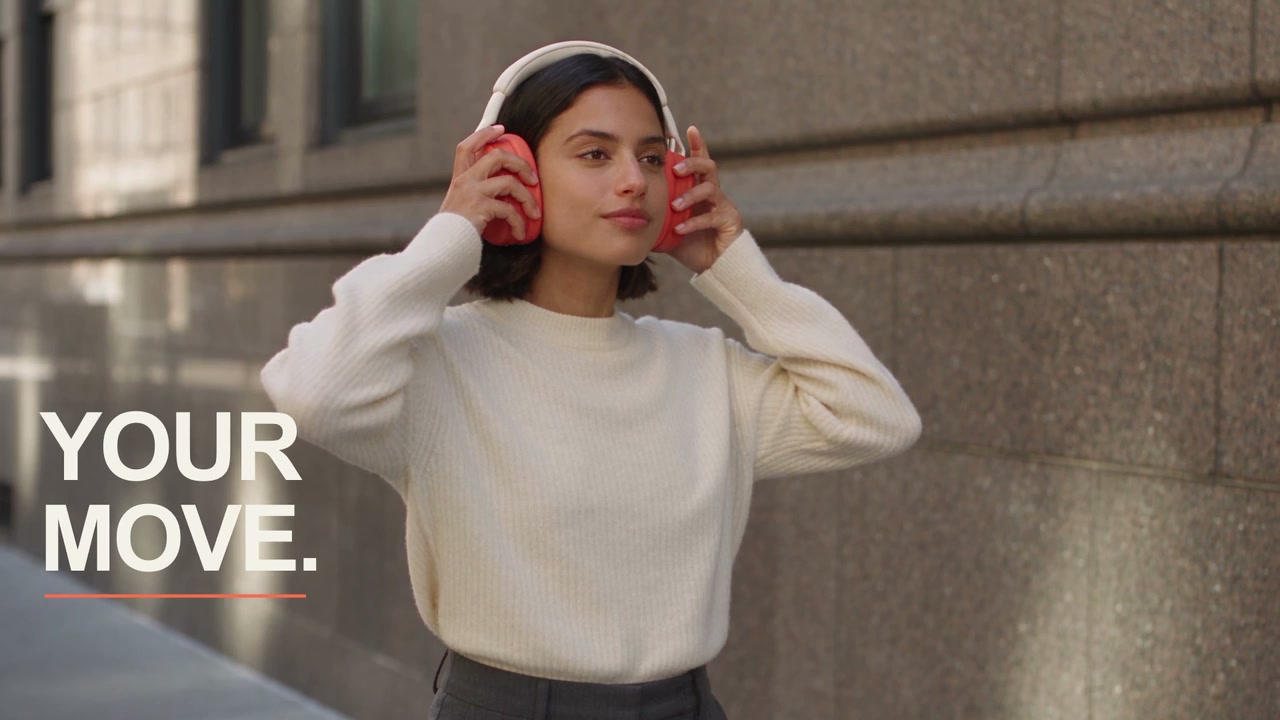
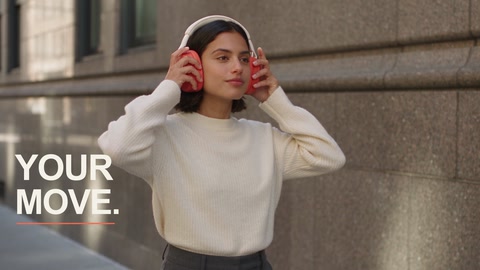
YOUR / MOVE — the actual graphic from the finished film, built as a separate layer.
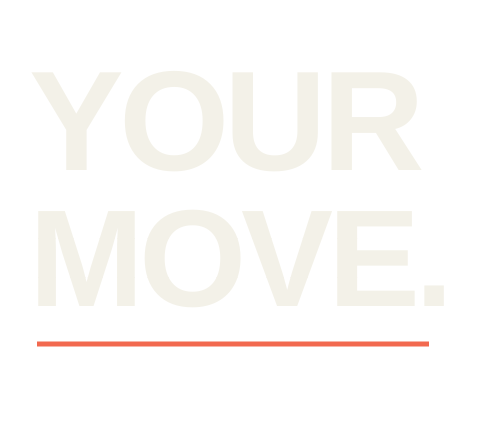
Bring them together.
The original finished opening. Same frame, same graphic.
The detail.
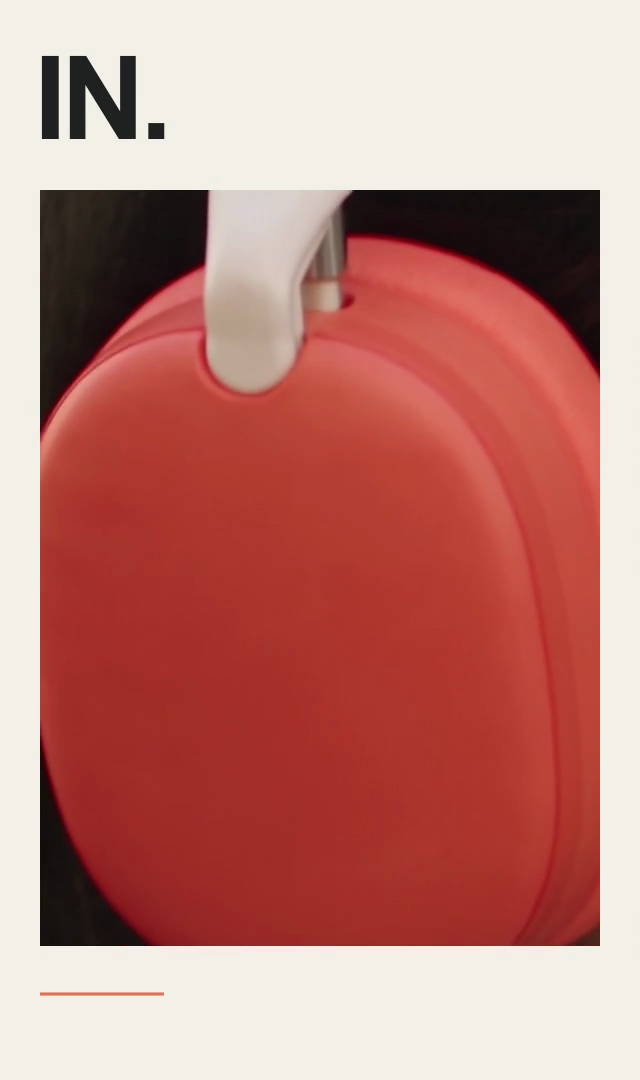
Motion graphics and masks
A detail from this shot. A moving mask. The same card in the finished film.
The same product and person, from another angle.
The feeling.
Camera keyframes · 100% → 106.5% → 100%
The same product and person, from another angle.
Let the city carry the message.
Anycut prepares the next shot for the campaign message.
Make the words belong.
A graphic layer is positioned and shaped for a fixed wall, then composited with the footage. This case uses an authored wall layout, not automatic plane tracking.
Part of the scene.
The same wall scene from the approved finished film.
Let the graphics follow her.
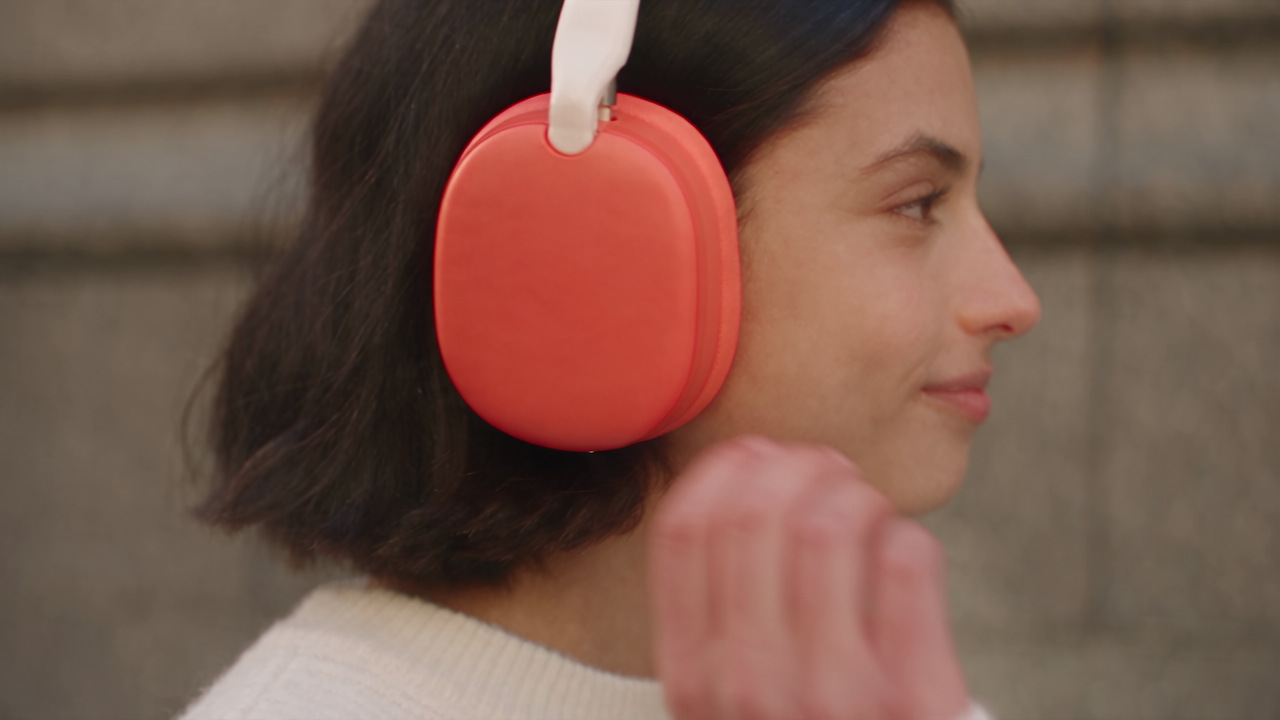
Anycut tracks the headphones using measured positions from this source’s final36 frames.
Keep her in front.
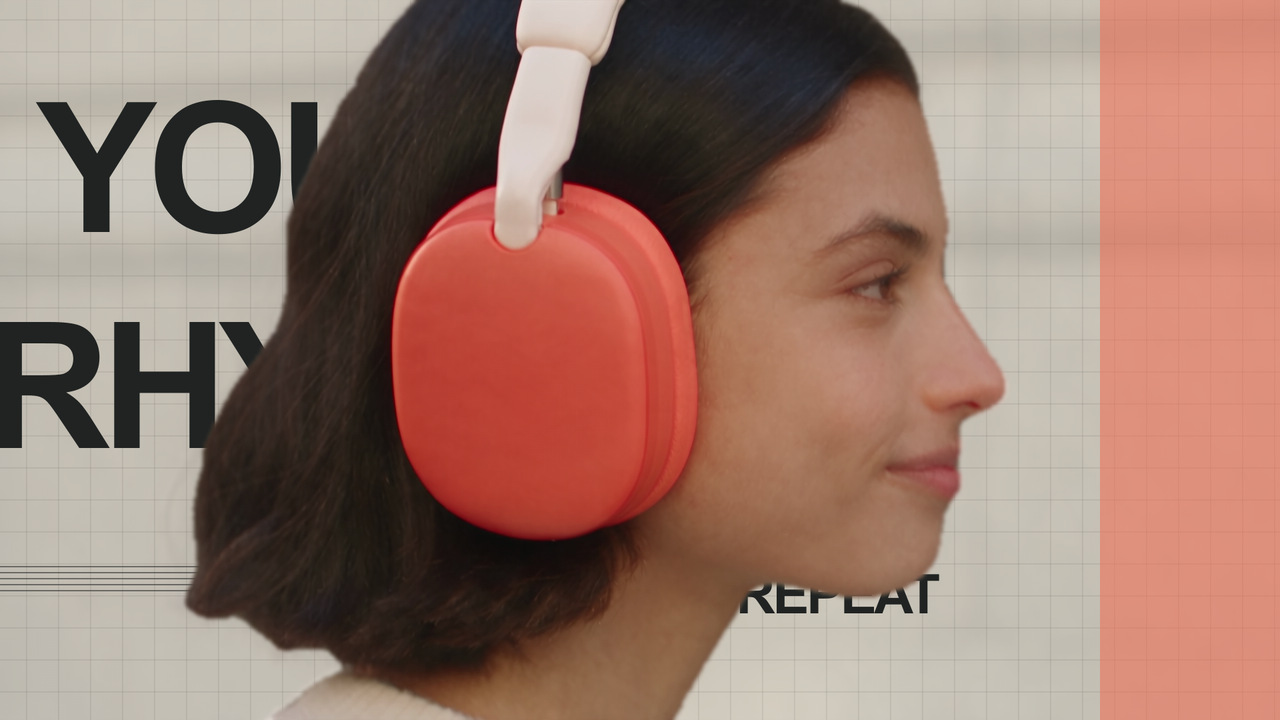
Source-matched video segmentation protects the person while background motion is added. The tracking graphic stays above all layers.
One scene. Every layer.
The actual finished close-up. Automated analysis applies only to source108–143; earlier graphic positions were authored.
Give the last shot an edge.
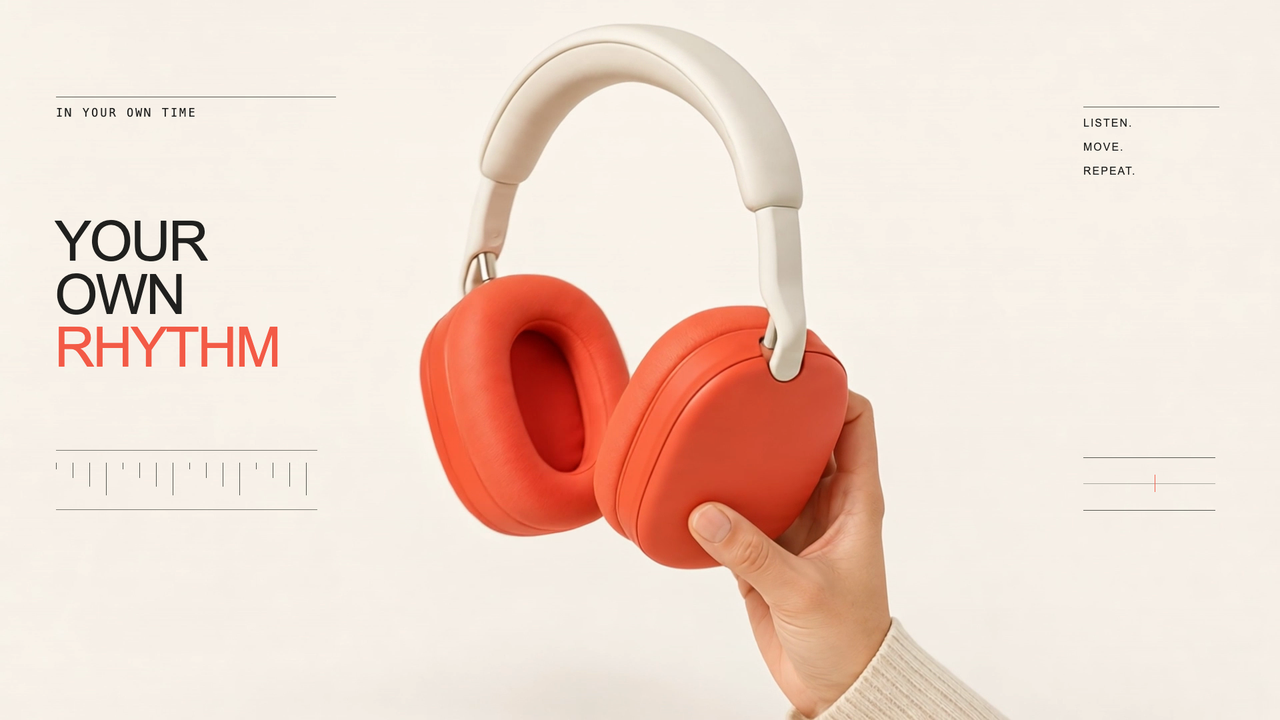
Anycut composes a graphic layer for the product shot, then applies its refractive finish.
The graphics bend.
The product stays clear.
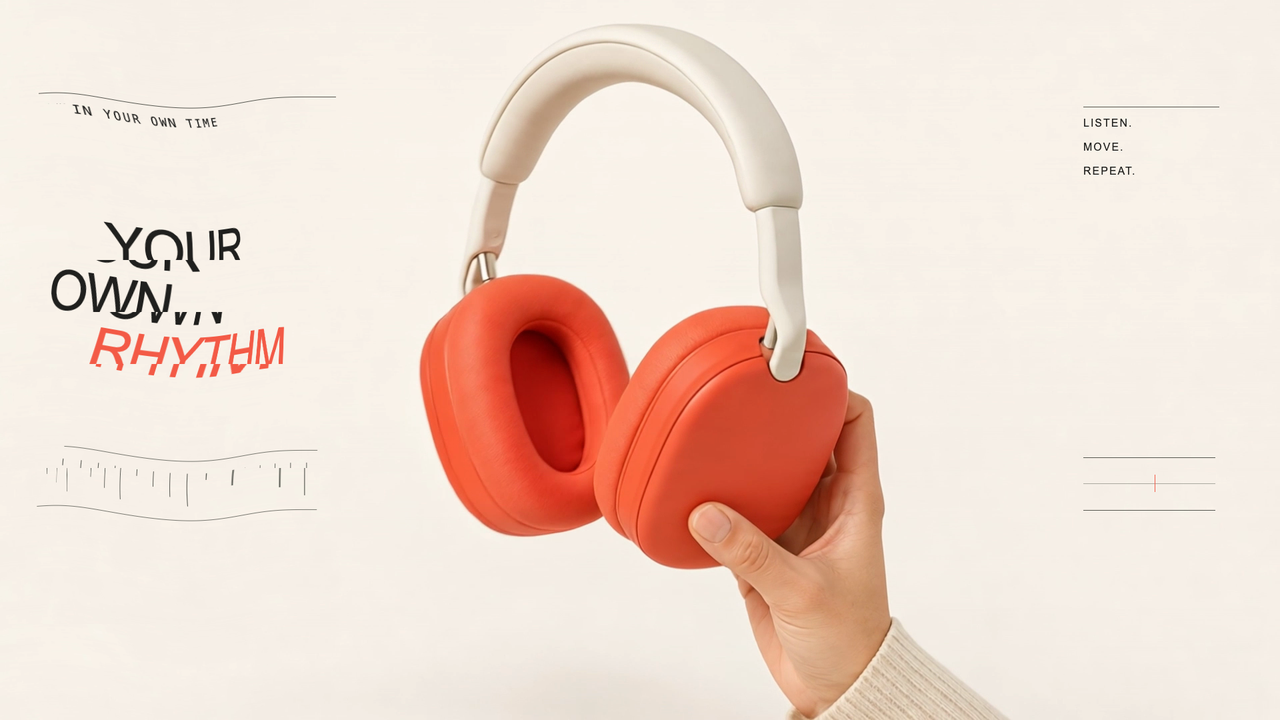
This workflow preview reuses the film’s finished visual effects. The product protection is manually designed, not another segmentation result.
Made for this film.
The original finished product shot. No new live generation runs on this page.
Every piece. One film.
Anycut arranges the six shots into the same 30-second sequence.
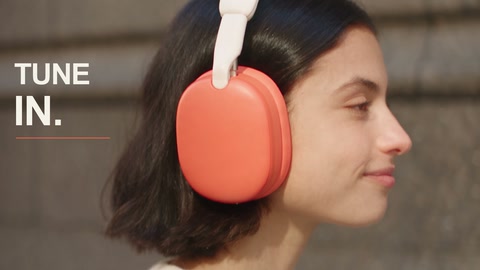
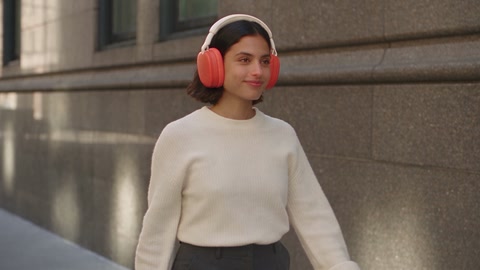
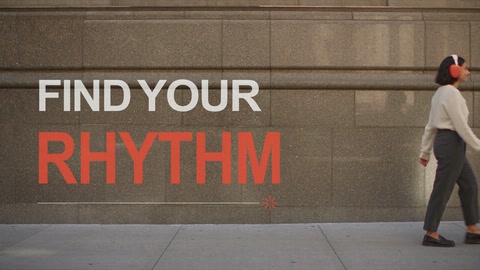
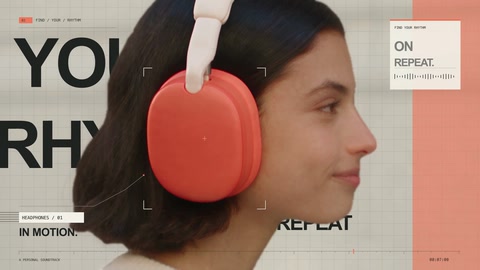
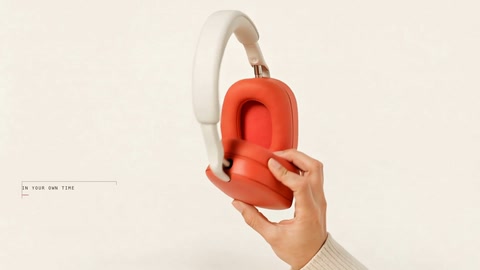
Motion. Sound. Together.
The illustrated workflow places the shot-specific graphics, then aligns the film’s existing soundtrack.
- Shots · 6 connected angles
- Motion · typography, tracking, background layers, refraction
- Sound · the original film soundtrack
This is a making-of illustration, not a live tool run or an editable timeline.
One brief. One complete film.
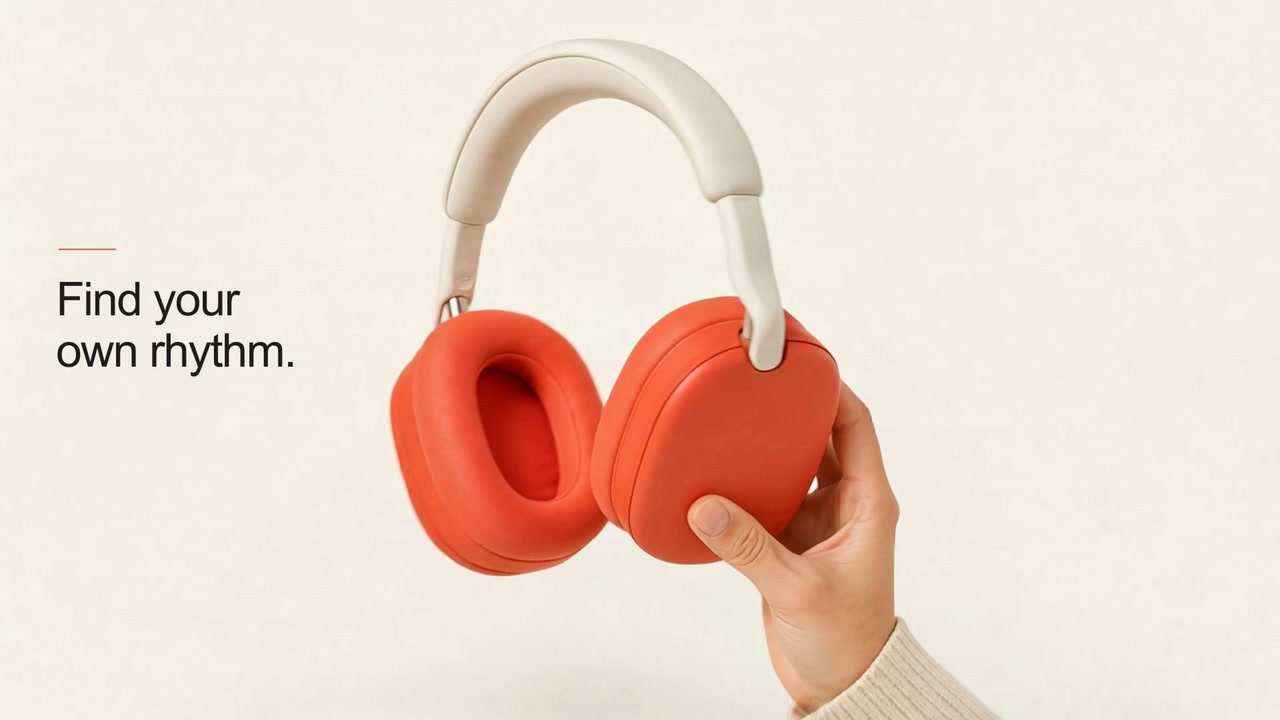
Created by your agent.
Refined by you.
Select a graphic and refine an individual keyframe. The footage stays untouched.
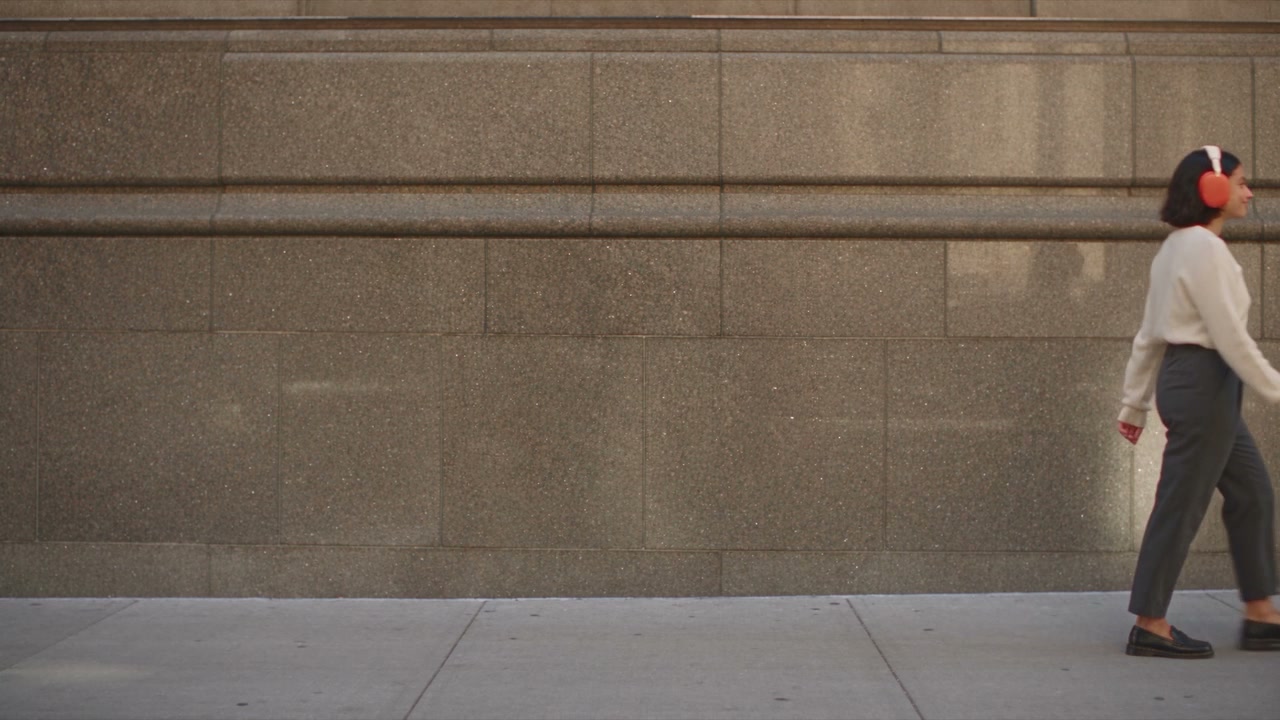
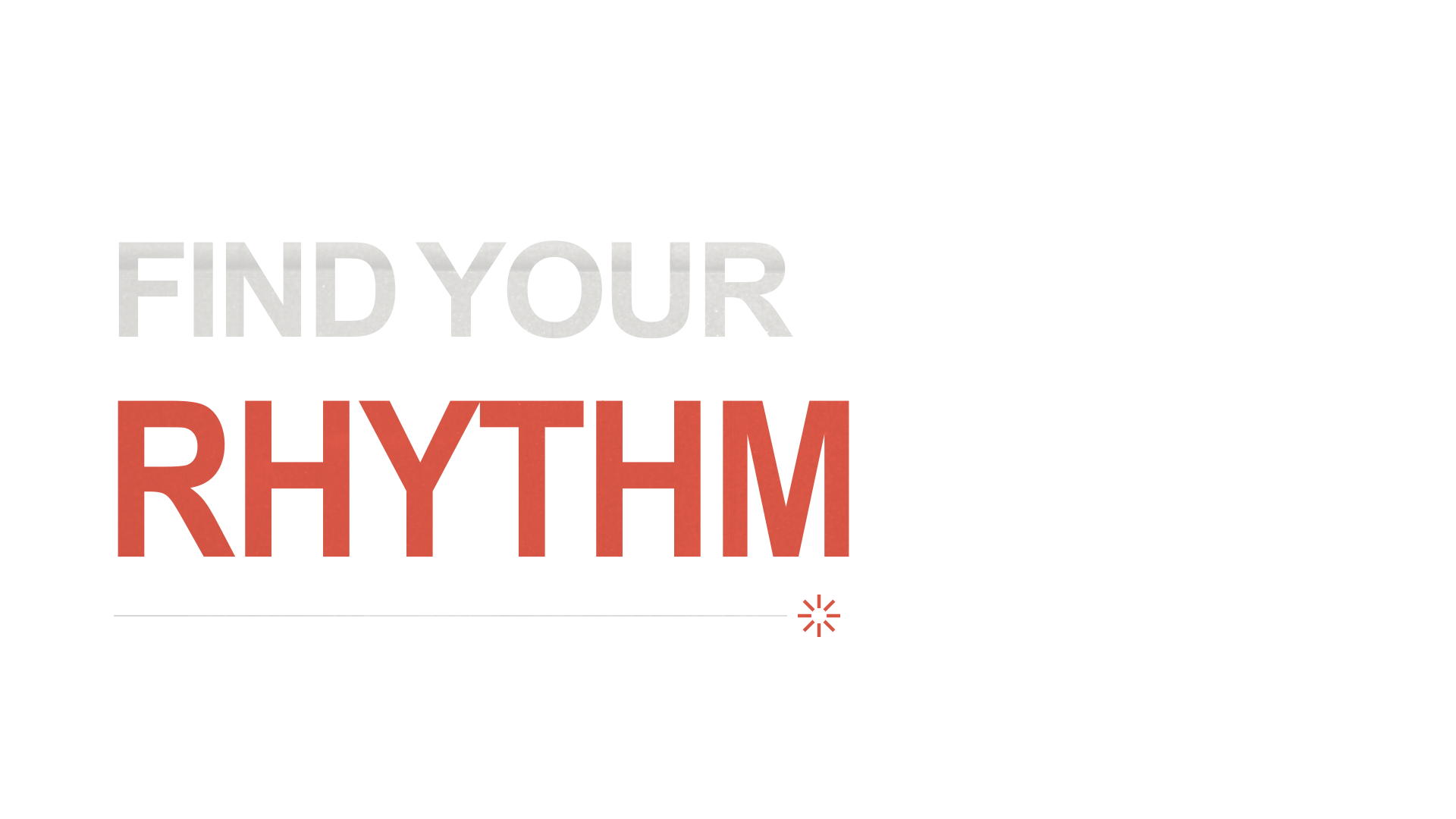
Illustrative edit draft · Y 578 px · Scale 90%
Make it yours.
Chosen fit · Y 650 px · Scale 100%. This returns to the actual composition in the approved film.
Your finishing touch.
Manual-refinement illustration, not a live editor or saved-project change. The original complete film follows.
The result.
Find your
own rhythm.
Questions, answered.
What can Anycut help me create?
Anycut is an all-in-one AI video creation agent. Describe the film you want to make, and it brings together generated media, motion, sound and editing to assemble a finished film—not just a video clip.
Can I keep editing the finished film?
Yes. Ask for changes in chat, or fine-tune text, sound, masks, keyframes and perspective on the timeline. Available controls depend on the element type; objects inside a generated video do not automatically become separate editable layers.
Can I use my own media?
Yes. Upload images, video and audio to use alongside generated media, or start from an existing template.
Were the films on this site made with Anycut?
The showcase comes from actual Anycut projects. Choose “See how it was made” to explore the corresponding templates in the library. Website workflow demos are pre-built illustrations; browsing does not run live generation tasks or spend credits.
Can I create with other people?
Yes. Invite people to view or edit a project. What they can do depends on project permissions and account eligibility; sharing a project does not grant paid-plan benefits.
How do I apply for beta access?
Apply with the email you use to sign in to Anycut. After approval, a paid subscription is still required for AI creation. Applying does not reserve a paid place; availability is determined at checkout.
What can I do on Free during beta?
Free includes templates, manual editing and previews. AI creation and video export are not available on Free during beta.
How do credits work, and do they roll over?
AI tasks use credits based on the capability, model and settings. Monthly credits on paid plans arrive after payment confirmation. Unused monthly credits do not roll over.
Create with us, a little earlier.
Apply for early access with the email you use for Anycut.