Web & YouTube search
Find public pages, images, news and videos. Open a chosen reference to explore its content and visual direction.
Generate images and video. Design motion, shape a scene, give it a voice—and refine the layers that make it yours.
Describe a direction. Bring a reference. Your agent can create images and turn them into shots for your film.
Inputs and generation options depend on the selected model.
Creates the product image.
Ask for a visual direction. Build motion graphics, animate supported properties, and transform layered compositions as one.
Editable properties depend on the element. Generated footage is not automatically separated into objects.
Builds the graphic from a prompt.
Have graphics follow a subject, fit a moving surface, or sit behind a person. Then give the composition a distinctive finish.
Tracking depends on the footage. Some visual effects require a compatible browser.
Attaches a graphic to the moving product.
Bring together a presenter, spoken words, captions, music, and effects. The agent coordinates the pieces around your story.
Personal voices and avatars require authorization. Available options depend on the model and account.
Creates the presenter shot.
Ask for a change, then fine-tune the same layer yourself. Position, scale, timing, and supported keyframes stay within reach.
Local editing illustration. No project is changed. This example uses a fixed wall composition, not automatic planar analysis.
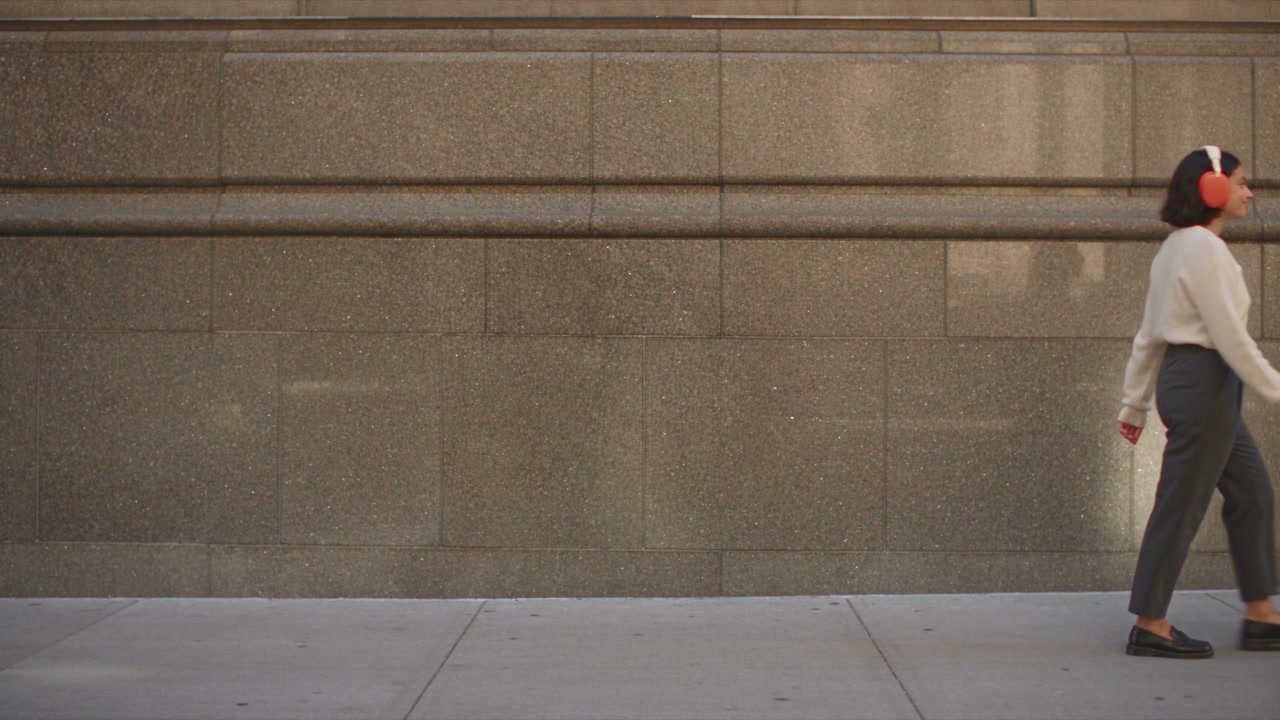
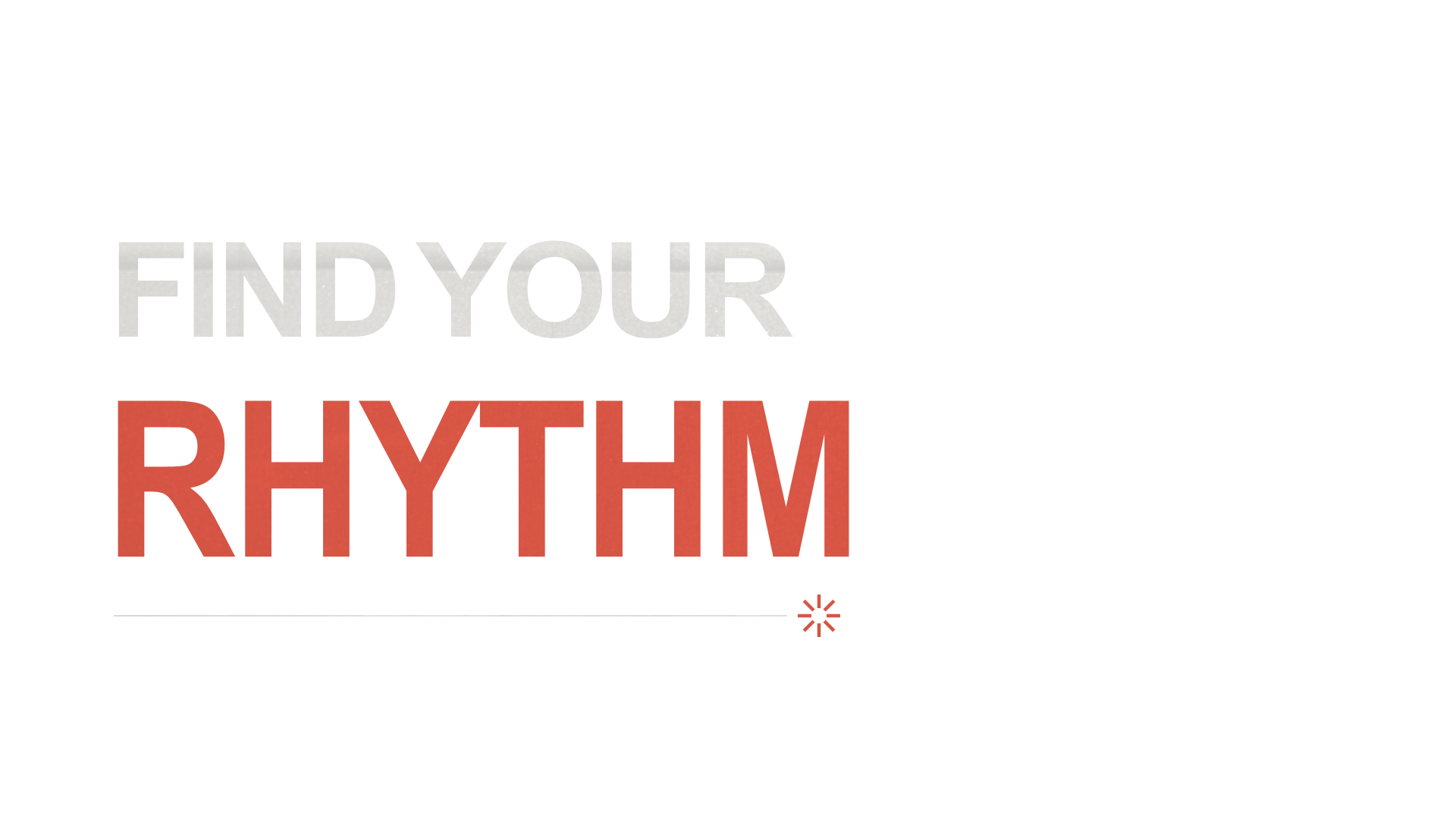
Move the lettering a little lower.
Bring context into the creative work—from a public reference to the details inside your own footage.
Find public pages, images, news and videos. Open a chosen reference to explore its content and visual direction.
Analyze compositions, scenes, actions and audio in project materials or supported public videos, including public YouTube links.
Read the mood, instruments and structure of audio. Turn speech into timed transcripts, and prepare cuts for pauses, repetitions and fillers for your review.
Find images, footage, music and effects for the story. Source and licensing information stay part of the selection.
Read the materials your team already works with, then share the project—not just the final file.
Read authorized documents, pages and tables to turn a brief or script into creative context.
Read permitted conversations and threads, or selected design nodes, text, colors and layout. Connected sources are read-only.
Invite viewers or editors with explicit project permissions. Keep review and further editing close to the work.
Save a version before trying a new direction, and restore an earlier project state when needed.
Connections require authorization and supported read access. Shared editing and AI use follow project permissions and account eligibility.
Keep useful materials and repeatable ways of working close at hand.
Save and organize materials. Bring the ones you need into your next project.
Begin with a reusable project structure and visual direction.
Give your agent a saved creative method or production convention to follow.
Carry relevant saved preferences and project context into future work.
Anycut is an all-in-one AI video creation agent. Describe the film you want to make, and it brings together generated media, motion, sound and editing to assemble a finished film—not just a video clip.
Yes. Ask for changes in chat, or fine-tune text, sound, masks, keyframes and perspective on the timeline. Available controls depend on the element type; objects inside a generated video do not automatically become separate editable layers.
Yes. Upload images, video and audio to use alongside generated media, or start from an existing template.
The showcase comes from actual Anycut projects. Choose “See how it was made” to explore the corresponding templates in the library. Website workflow demos are pre-built illustrations; browsing does not run live generation tasks or spend credits.
Yes. Invite people to view or edit a project. What they can do depends on project permissions and account eligibility; sharing a project does not grant paid-plan benefits.
Apply with the email you use to sign in to Anycut. After approval, a paid subscription is still required for AI creation. Applying does not reserve a paid place; availability is determined at checkout.
Free includes templates, manual editing and previews. AI creation and video export are not available on Free during beta.
AI tasks use credits based on the capability, model and settings. Monthly credits on paid plans arrive after payment confirmation. Unused monthly credits do not roll over.